
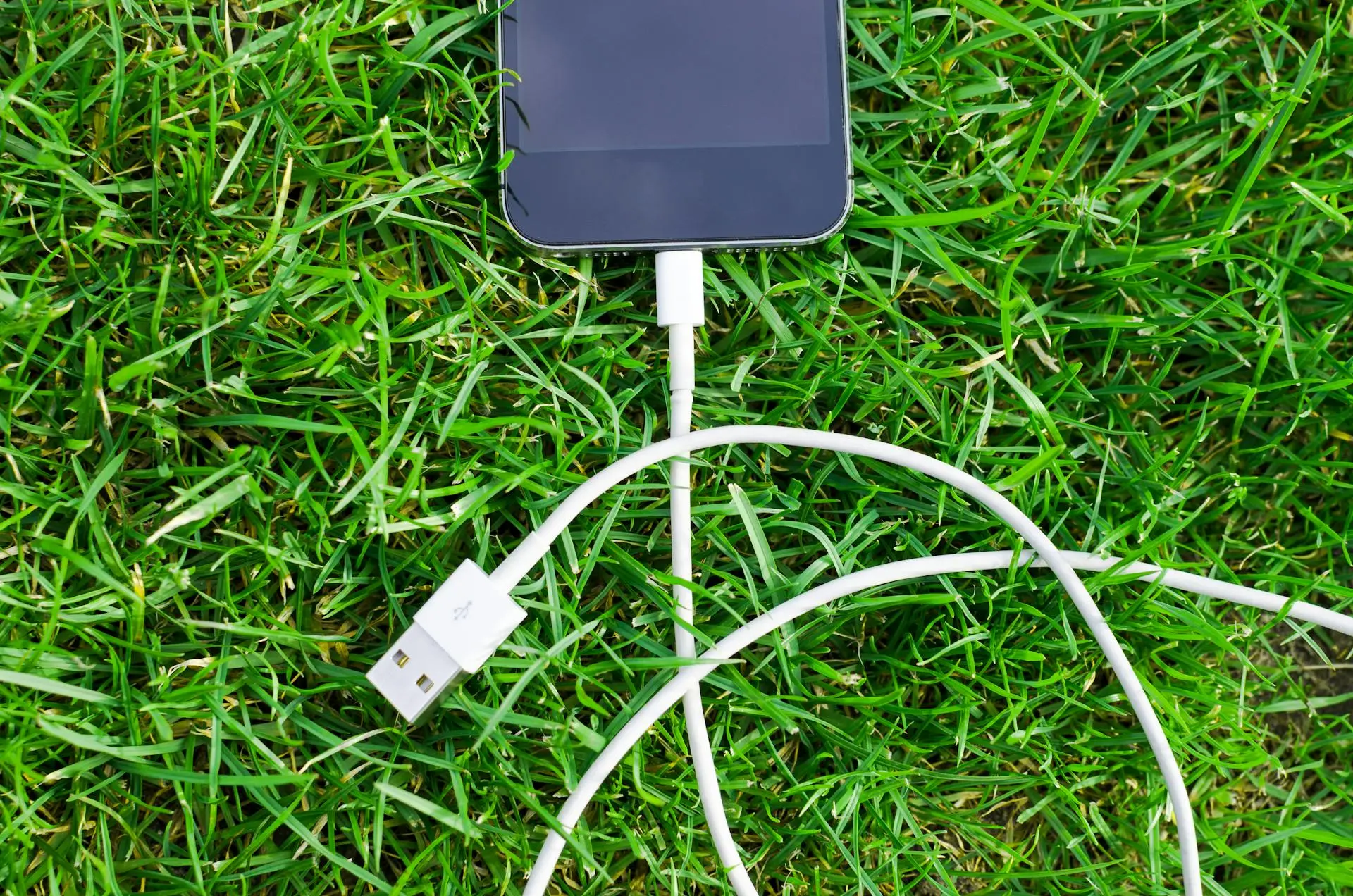
At first glance, all USB cables look the same. They plug in, charge your device, and seem interchangeable. But here’s a surprising tech fact: most USB cables are designed only for charging, not for transferring data. This small detail often explains why your phone charges perfectly but refuses to connect to a computer.
Charge-only USB cables are extremely common because they are cheaper to manufacture. These cables include only the internal wires needed to carry power, leaving out the extra data lines required for file transfer, syncing, or debugging. As a result, they work fine for charging but fail silently when data access is needed.
Why Charge-Only USB Cables Exist
Manufacturers often prioritize cost and simplicity. Since many users only need cables for charging, charge-only cables meet that demand efficiently. They are widely included with power banks, low-cost chargers, public charging stations, and promotional accessories.
- Lower manufacturing cost compared to full data cables
- Reduced risk of data theft in public charging environments
- Lightweight and flexible due to fewer internal wires
How to Tell If a USB Cable Supports Data
Unfortunately, charge-only cables are rarely labeled clearly. However, there are a few practical ways to identify them. If your phone charges but doesn’t show up on your computer, the cable is likely charge-only. Data-capable cables usually allow file transfers, device recognition, and sometimes faster charging standards.
- Connect your device to a computer and check if it’s detected
- Look for packaging terms like “data cable” or “sync cable”
- Higher-quality or branded cables often support data
Why This Matters in Everyday Use
Using the wrong cable can waste time and cause confusion, especially when transferring photos, updating software, or using developer tools. In workplaces, schools, and service centers, charge-only cables are a common hidden reason behind failed connections.
There’s also a security angle. Charge-only cables are sometimes intentionally used in public charging stations to prevent data access, a practice that helps reduce risks like unauthorized data transfer.
Final Thoughts
The next time your device refuses to connect, don’t blame the phone or the computer right away. The cable itself may be the issue. Understanding that not all USB cables are data-capable can save time, frustration, and unnecessary troubleshooting.
In the world of everyday tech, small details like this make a big difference.